
Discover Our Apps for Local and Distance Viewing
Turn your iPhone into a powerful digital magnifier and assistive technology tool. Case For Vision offers two accessible iOS apps designed for people who need clearer near and distance viewing, supporting independent reading, everyday tasks, and greater confidence. Both apps work seamlessly with built-in iOS accessibility features, including VoiceOver screen reader support.
Whether you're reading fine print up close or viewing something across the room, there’s an app built for your needs.
Meet Q++
A Modern Close-Up Magnifier with Perspective Correction
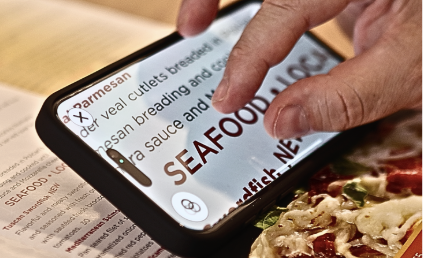
Q++ transforms your iPhone into a powerful digital magnifier for reading mail, recipes, menus, package labels, and printed instructions. It works beautifully on its own and shines when paired with Case For Vision Ergo or another compatible kickstand.
Use Q++ for
Close-up reading and inspection
Stable viewing at an angle
Flexible positioning without distortion
Key Q++ Features
Pinch to zoom for comfortable close-up viewing
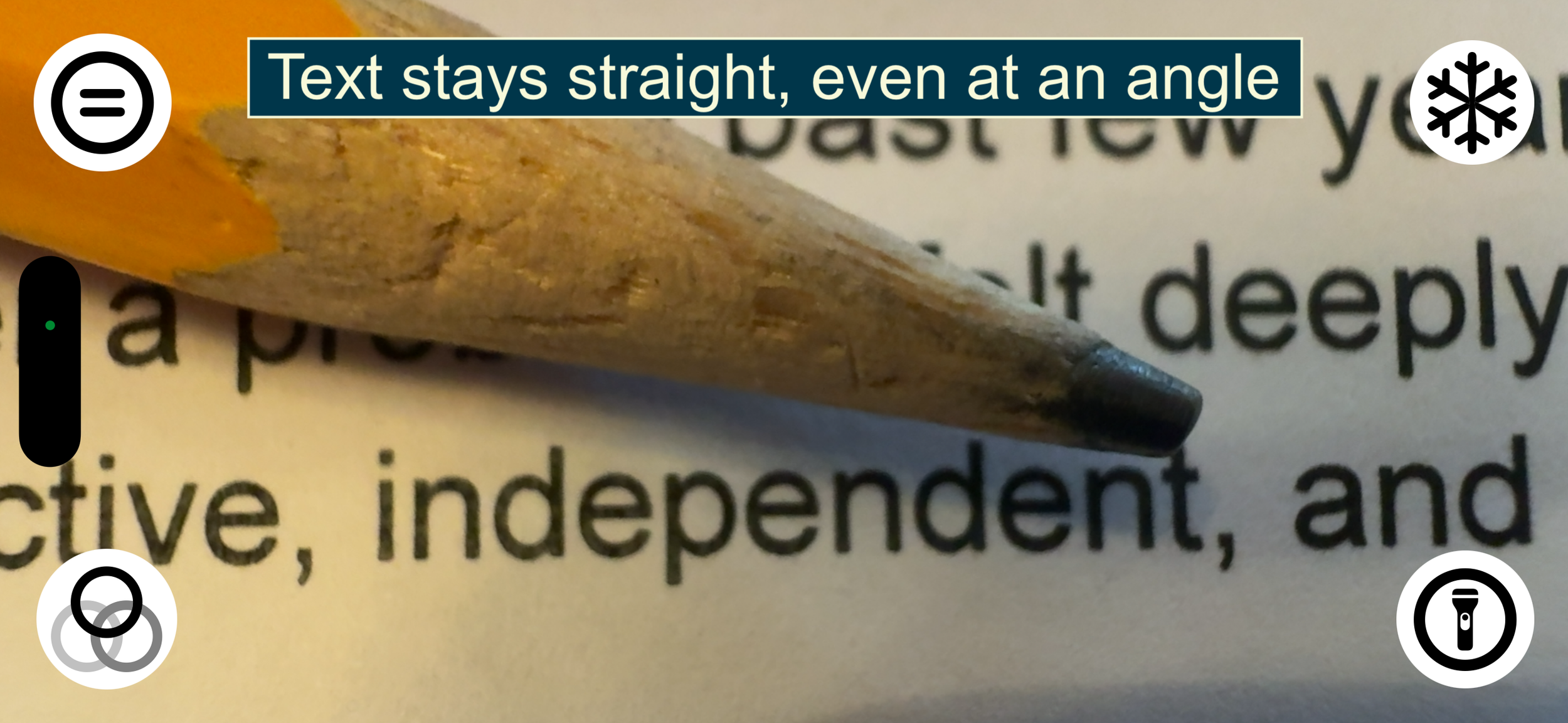
Automatic perspective correction (text stays straight even when angled)
Reading guidelines for line-by-line focus
High-contrast modes: black on white, white on black, yellow on black
Built-in flashlight for low-light reading
Freeze image for steady inspection
VoiceOver compatible

Case For Vision App
Near and Distance Magnification in One Solution
The original Case For Vision app delivers both local magnification and distance (telescope) viewing when used with a Case For Vision device. It is designed to work as part of our complete assistive viewing system.
The Case For Vision app excels at
Close-up reading of menus, letters, medication labels, and much more
Viewing televisions, whiteboards, presentations, or signs across a room
Both near and far magnification

Local Magnification Features
Pinch to zoom for comfortable close-up viewing
Live panning for continuous reading without moving the material beneath your device
High-contrast modes: black on white, white on black, yellow on black
Flashlight for low-light environments
Freeze and save snapshots to camera roll
Distance (Telescope) Mode
Zoom and pan across distant objects
Freeze and capture snapshots
Record video and save to your library
Works with Case For Vision devices (mirror required for distance use)
Choose the app that’s right for you
| Q++ | Case For Vision App | |
|---|---|---|
| Close-up magnification | ✓ | ✓ |
| Distance (telescope) magnification | — | ✓ |
| Perspective correction | ✓ | — |
| Live panning | — | ✓ |
| Reading guidelines | ✓ | — |
| High-contrast viewing modes | ✓ | ✓ |
| Flashlight control | ✓ | ✓ |
| Freeze image | ✓ | ✓ |
| Save snapshots | — | ✓ |
| Record video | — | ✓ |
| Requires Case For Vision device | Optional, but recommended | Required for distance viewing |
| Best experience with Case for Vision devices | Pairs with Ergo on iPhone 16 & 17 models † | Built for Case for Vision hardware |
| Price | 14-day trial, then $39.99; free with purchase of Case For Vision Ergo | Free |
† Q++ is compatible with Case for Vision Ergo on supported iPhone 16 and iPhone 17 models, providing stable, angle-aware magnification for comfortable close-up viewing.
Not Sure Which App You Need?
If you primarily read documents, mail, recipes, or labels up close, Q++ offers powerful magnification with angle-friendly perspective correction.
If you need both close-up and distance magnification as part of a complete assistive technology setup, the Case For Vision App provides a full viewing system.
Designed to Work with Case For Vision Devices
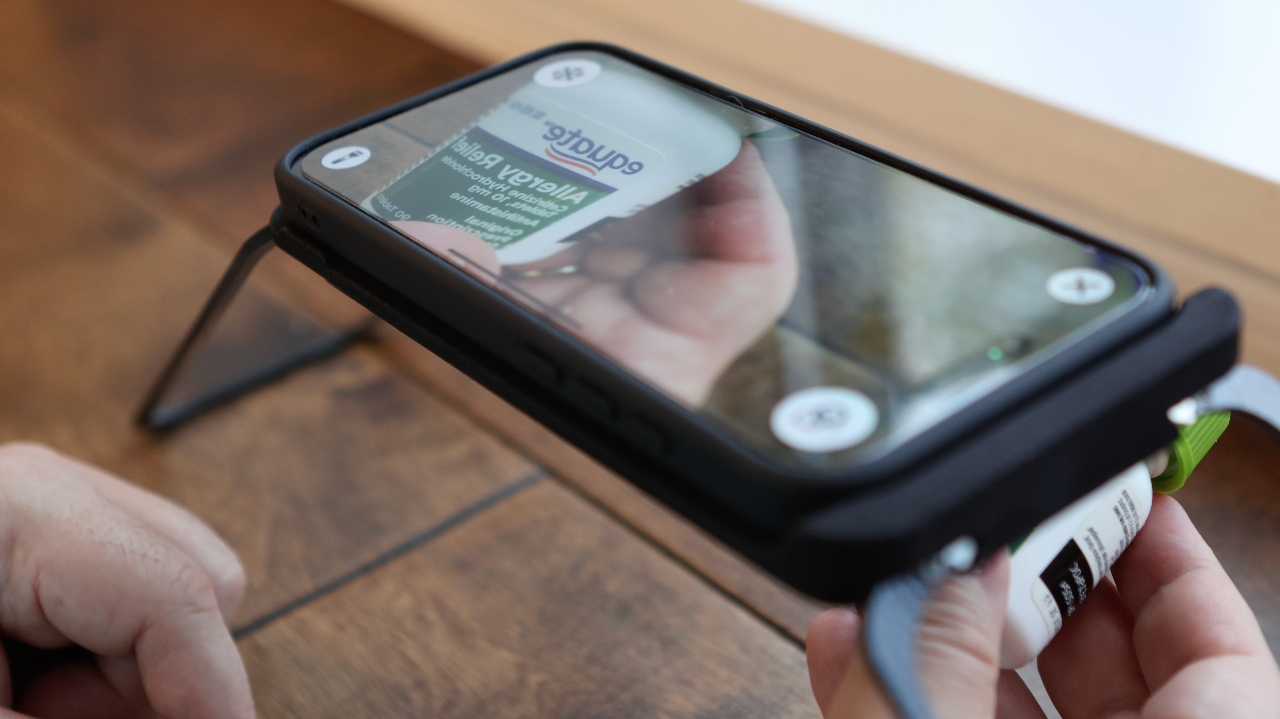
Both apps integrate with Case For Vision hardware to reduce strain, improve stability, and support more comfortable extended viewing.
When paired with Case For Vision Ergo, Q++ provides stable, angle-aware magnification for desk-based reading. When paired with any Case For Vision product, the Case For Vision App enables distance telescope viewing.